> ## Documentation Index
> Fetch the complete documentation index at: https://meilisearch-6b28dec2-update-v1-50.mintlify.site/llms.txt
> Use this file to discover all available pages before exploring further.
# Create a project
> Create a new Meilisearch Cloud project from the dashboard in a few steps.
A project is an isolated Meilisearch instance. Creating one takes two steps: choose a plan type, then configure the project.
## Prerequisites
* A Meilisearch Cloud account. [Sign up at cloud.meilisearch.com](https://cloud.meilisearch.com) if you do not have one.
## Step 1: Click "New project"
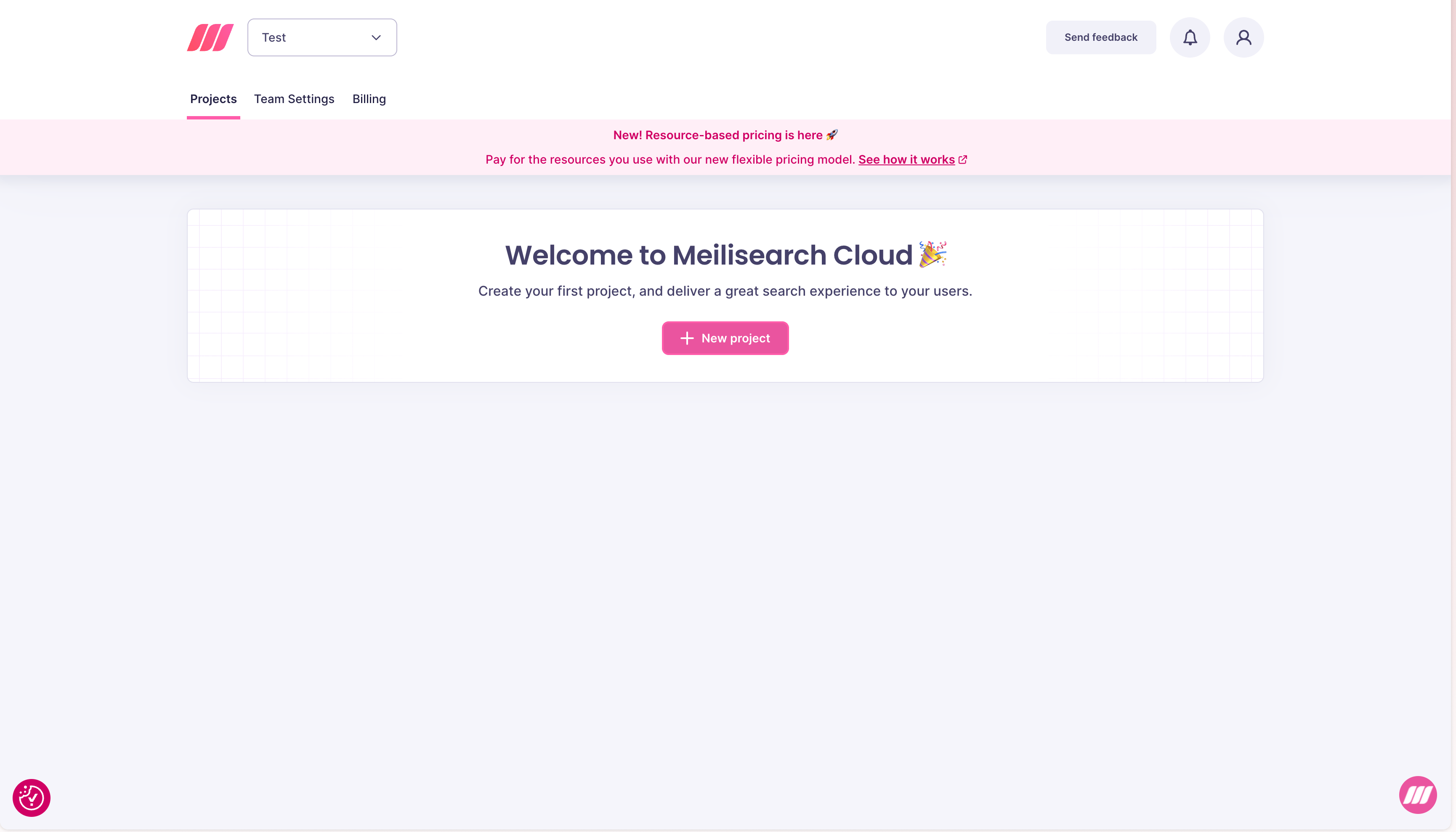
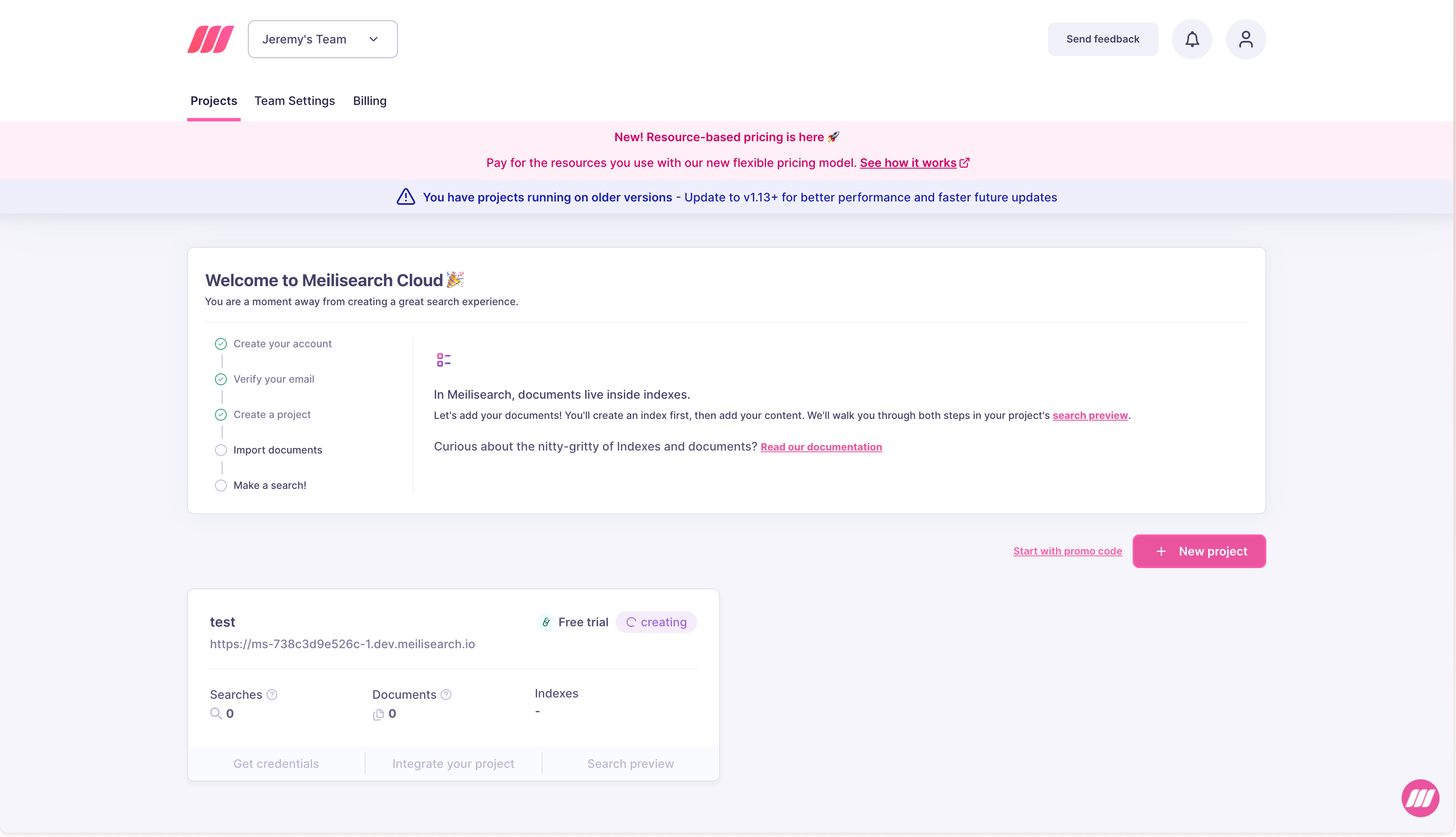
From the [Cloud dashboard](https://cloud.meilisearch.com), click the **New project** button.
 ## Step 2: Choose a plan type
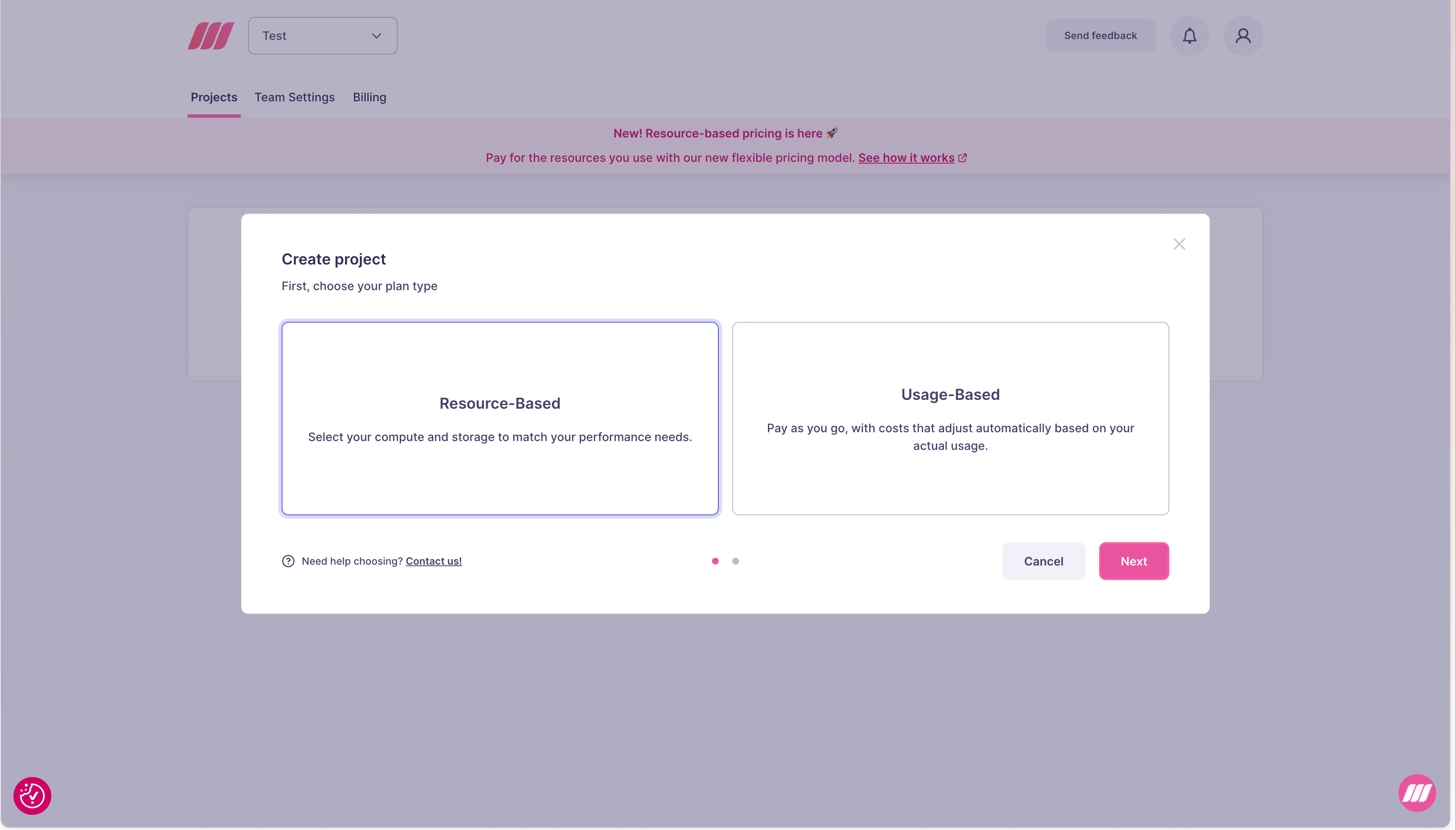
You will be asked to choose between two billing models:
| Plan type | Description |
| ------------------ | ------------------------------------------------------------------------------------------------------------------------ |
| **Resource-Based** | Select compute and storage to match your performance needs. You pay a fixed hourly rate for the resources you provision. |
| **Usage-Based** | Pay as you go. Costs adjust automatically based on your actual searches and documents. |
See [Resource-based vs usage-based](/capabilities/platform/infrastructure/overview#resource-based-vs-usage-based-projects) for guidance on which to choose.
## Step 2: Choose a plan type
You will be asked to choose between two billing models:
| Plan type | Description |
| ------------------ | ------------------------------------------------------------------------------------------------------------------------ |
| **Resource-Based** | Select compute and storage to match your performance needs. You pay a fixed hourly rate for the resources you provision. |
| **Usage-Based** | Pay as you go. Costs adjust automatically based on your actual searches and documents. |
See [Resource-based vs usage-based](/capabilities/platform/infrastructure/overview#resource-based-vs-usage-based-projects) for guidance on which to choose.
 ## Step 3: Configure the project
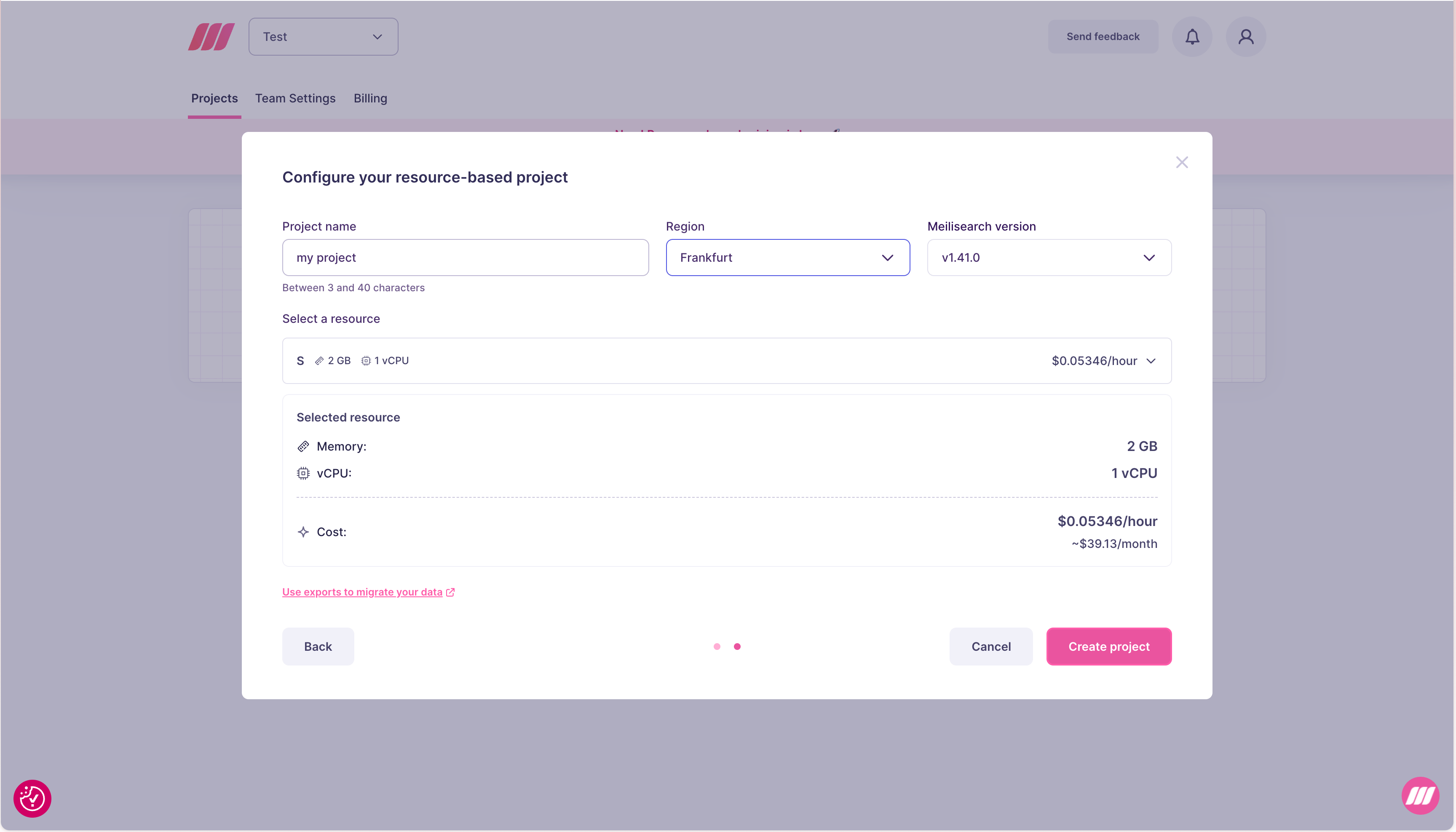
Both plan types share three common fields:
| Field | Description |
| ----------------------- | ---------------------------------------------------------------------------------------------------------------------------------------- |
| **Project name** | Between 3 and 40 characters. |
| **Region** | The region where your project is hosted. Cannot be changed after creation. See [Regions](/capabilities/platform/infrastructure/regions). |
| **Meilisearch version** | The version to deploy. Defaults to the latest stable release. |
### Resource-Based configuration
Select a resource tier (Memory and vCPU). The Cloud UI shows the hourly cost and estimated monthly cost for the selected tier. Resource-based projects include Meilisearch team support. See [resource-based pricing](/capabilities/platform/billing/pricing_model#resource-based-pricing) for more details.
## Step 3: Configure the project
Both plan types share three common fields:
| Field | Description |
| ----------------------- | ---------------------------------------------------------------------------------------------------------------------------------------- |
| **Project name** | Between 3 and 40 characters. |
| **Region** | The region where your project is hosted. Cannot be changed after creation. See [Regions](/capabilities/platform/infrastructure/regions). |
| **Meilisearch version** | The version to deploy. Defaults to the latest stable release. |
### Resource-Based configuration
Select a resource tier (Memory and vCPU). The Cloud UI shows the hourly cost and estimated monthly cost for the selected tier. Resource-based projects include Meilisearch team support. See [resource-based pricing](/capabilities/platform/billing/pricing_model#resource-based-pricing) for more details.
 ### Usage-Based configuration
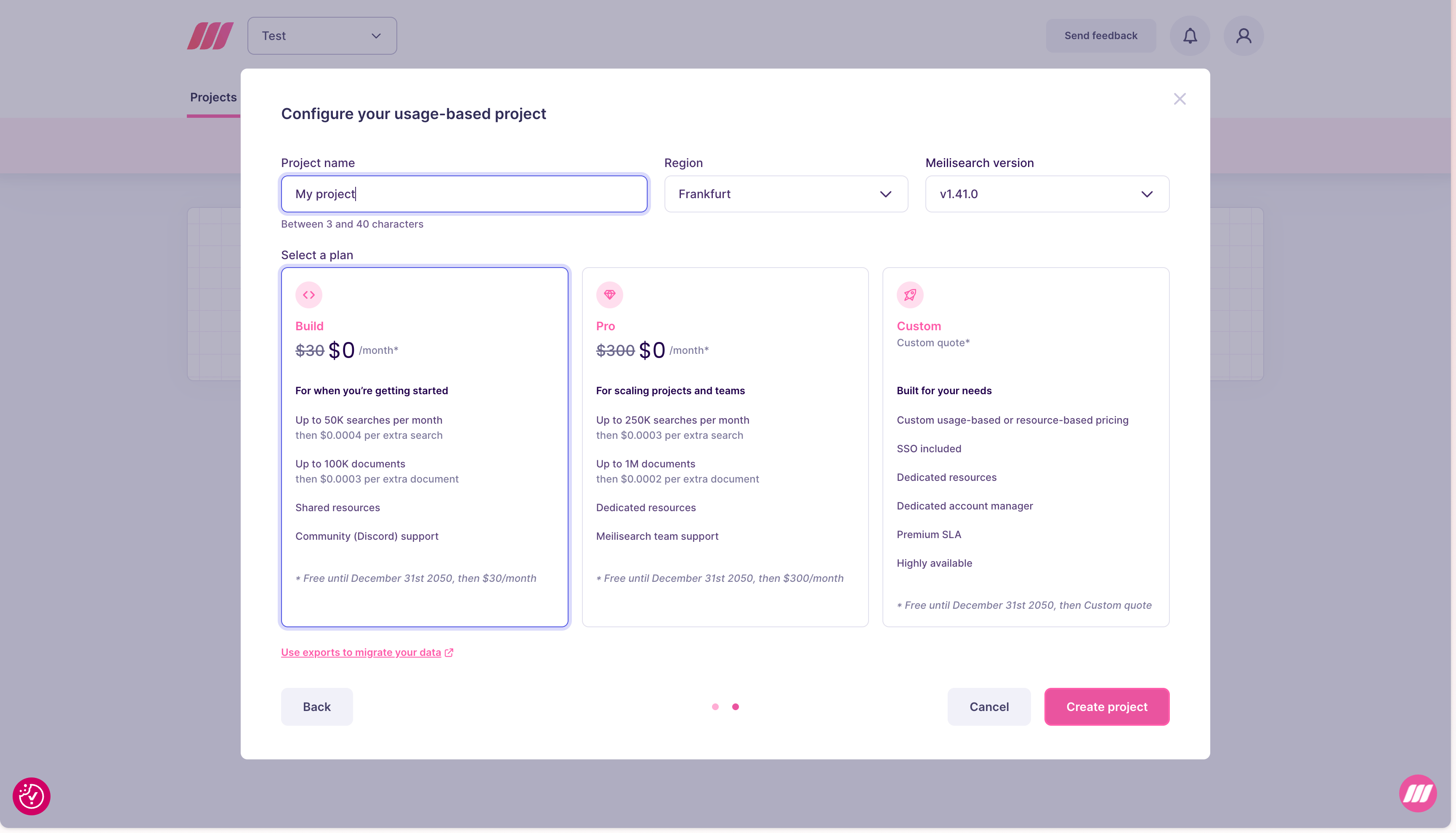
Select a plan:
| Plan | Included searches | Included documents | Resources | Support |
| ---------- | -------------------------------- | --------------------------- | --------- | ------------------- |
| **Build** | 50K/month, then \$0.40 per 1,000 | 100K, then \$0.30 per 1,000 | Shared | Community (Discord) |
| **Custom** | Tailored to your needs | Tailored to your needs | Dedicated | Meilisearch team |
See [usage-based pricing](/capabilities/platform/billing/pricing_model#usage-based-pricing) for more details.
### Usage-Based configuration
Select a plan:
| Plan | Included searches | Included documents | Resources | Support |
| ---------- | -------------------------------- | --------------------------- | --------- | ------------------- |
| **Build** | 50K/month, then \$0.40 per 1,000 | 100K, then \$0.30 per 1,000 | Shared | Community (Discord) |
| **Custom** | Tailored to your needs | Tailored to your needs | Dedicated | Meilisearch team |
See [usage-based pricing](/capabilities/platform/billing/pricing_model#usage-based-pricing) for more details.
 ## Step 4: Create the project
Click **Create project**. Meilisearch Cloud provisions the instance. The project appears in your dashboard with a **creating** status while it is being provisioned, then becomes available in a few seconds.
## Step 4: Create the project
Click **Create project**. Meilisearch Cloud provisions the instance. The project appears in your dashboard with a **creating** status while it is being provisioned, then becomes available in a few seconds.
 ## Next steps
* [Add documents](/getting_started/first_project#creating-an-index-and-adding-documents) using your project's API URL and admin key
* [Manage resources](/capabilities/platform/infrastructure/manage_resources) to scale as your data grows
* [Invite team members](/capabilities/platform/teams/overview) to collaborate on the project
## Next steps
* [Add documents](/getting_started/first_project#creating-an-index-and-adding-documents) using your project's API URL and admin key
* [Manage resources](/capabilities/platform/infrastructure/manage_resources) to scale as your data grows
* [Invite team members](/capabilities/platform/teams/overview) to collaborate on the project